










Snow Pad
The Revolutionary Low Vision Aid Redefining Smart Accessibility
(Tablet not included for sale)
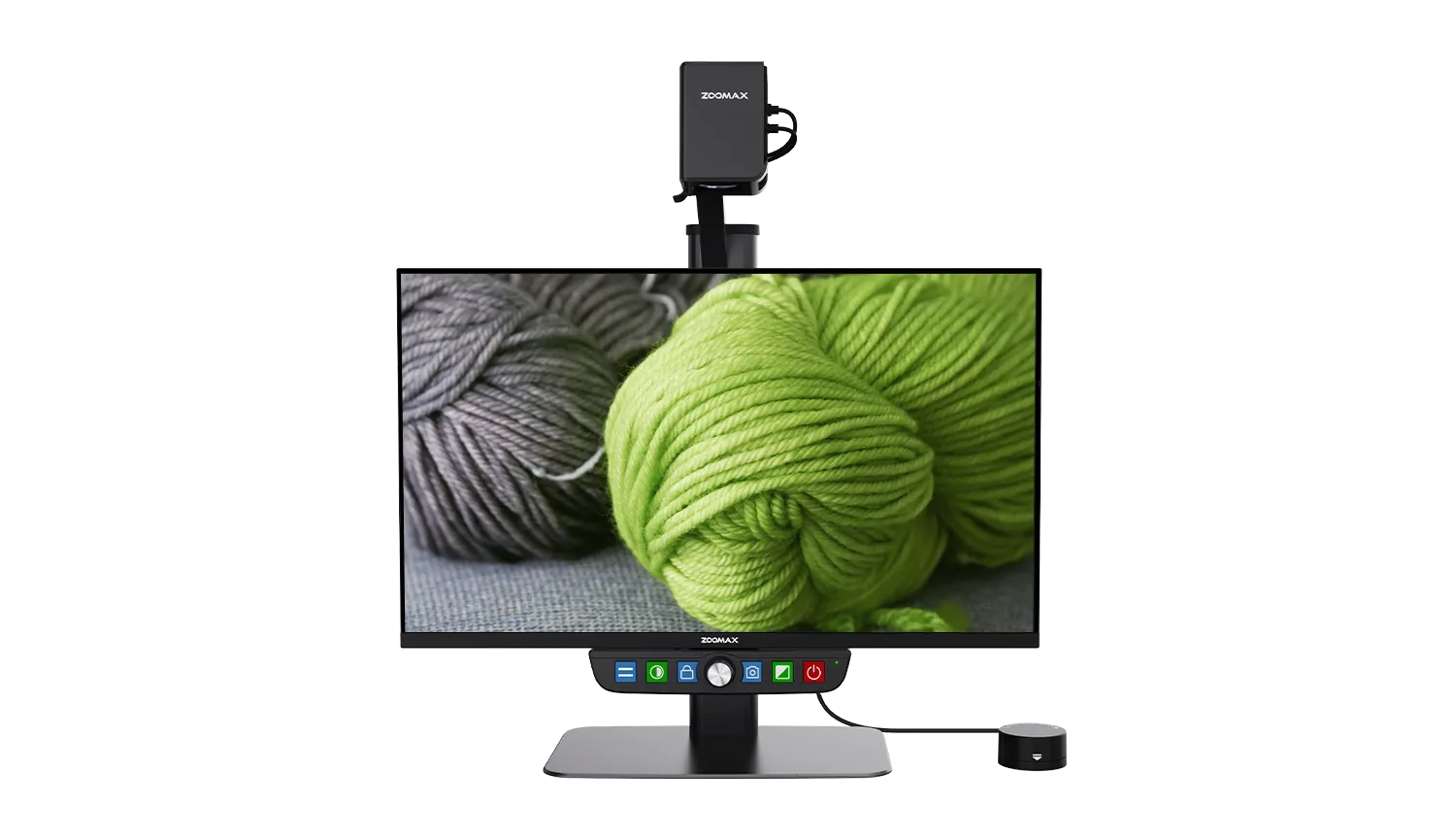
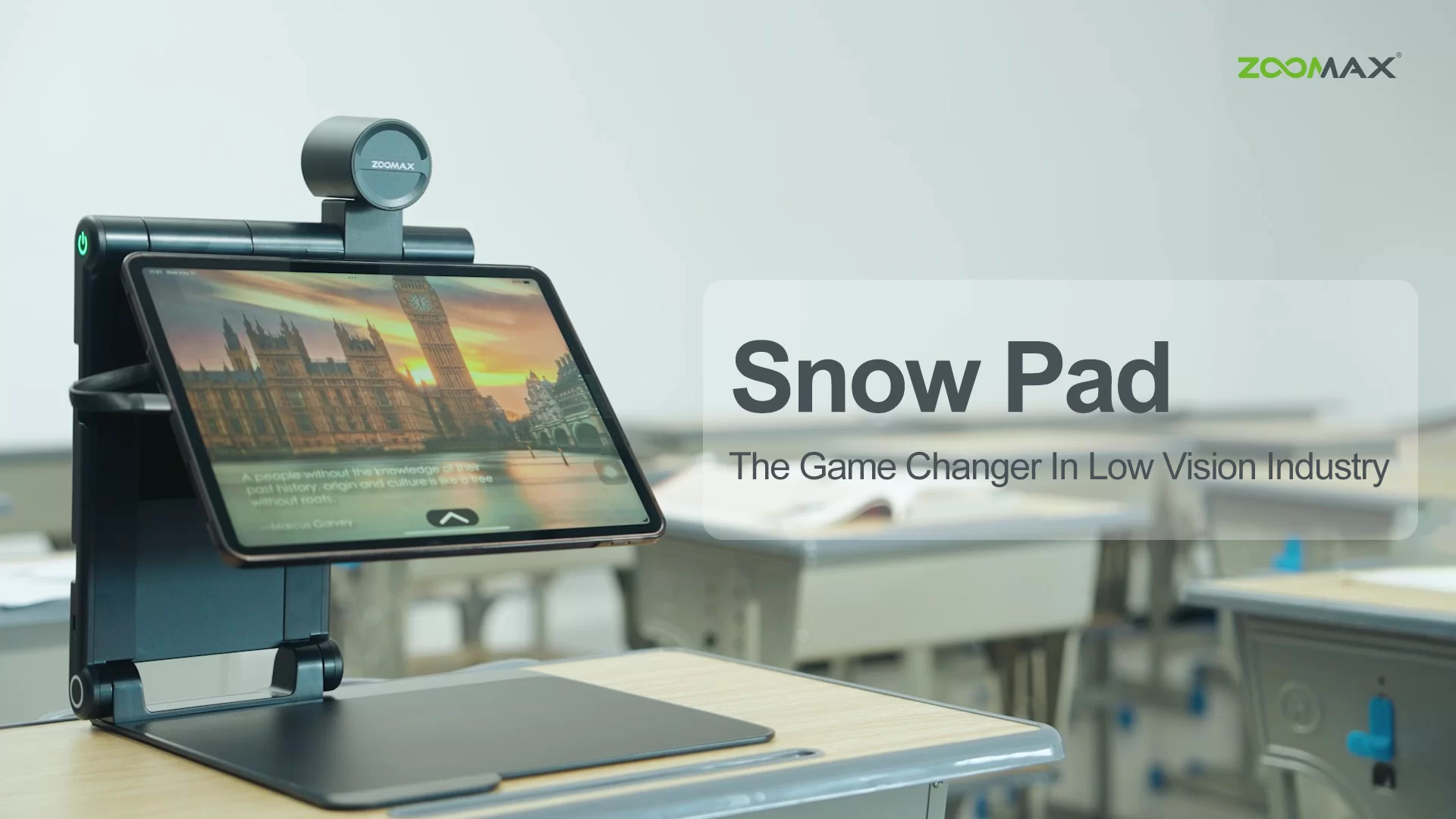
Elevate low vision support with the unparalleled Zoomax Snow Pad—where personal tablets meet cutting-edge assistive technology, redefining accessibility beyond traditional electronic magnifiers. This premium device integrates a custom low vision app with full tablet functionality, featuring HD magnification, adjustable contrast, and OCR/text-to-speech for effortless reading. Its classroom-favorite split-screen meets the needs of near/distance viewing simultaneously. The split-view lets users pair the aid app with calculators, browsers, or video tools, while one-tap sharing and mirroring enable seamless collaboration in meetings or classes.
Cross-Tablet Compatibility
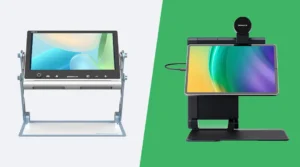
The Zoomax Snow Pad portable video magnifier is designed for seamless compatibility with all iPad sizes, plus Samsung and Xiaomi Android tablets. It breaks device barriers to deliver consistent, premium low vision support, letting users stick to their preferred gadgets without sacrificing assistive tech performance.

Ultimate Portability
Ultra-lightweight and compact, the Snow Pad slips easily into backpacks or bags. Ditch bulky traditional electronic magnifiers—take this smart low vision aid anywhere, from home study sessions to outdoor outings, with zero hassle.
Classroom-Ready
Split-Screen Function
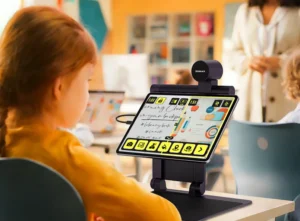
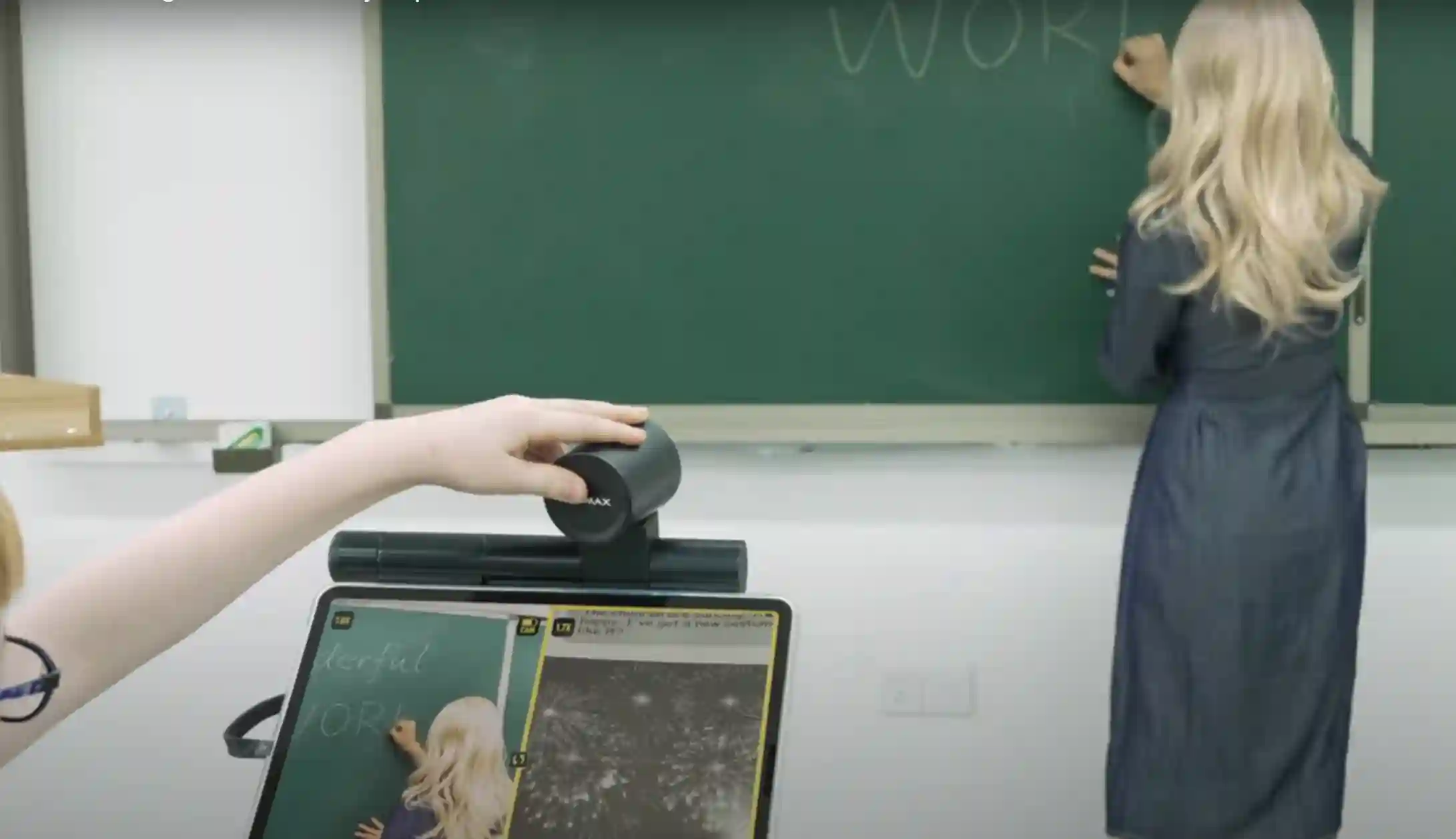
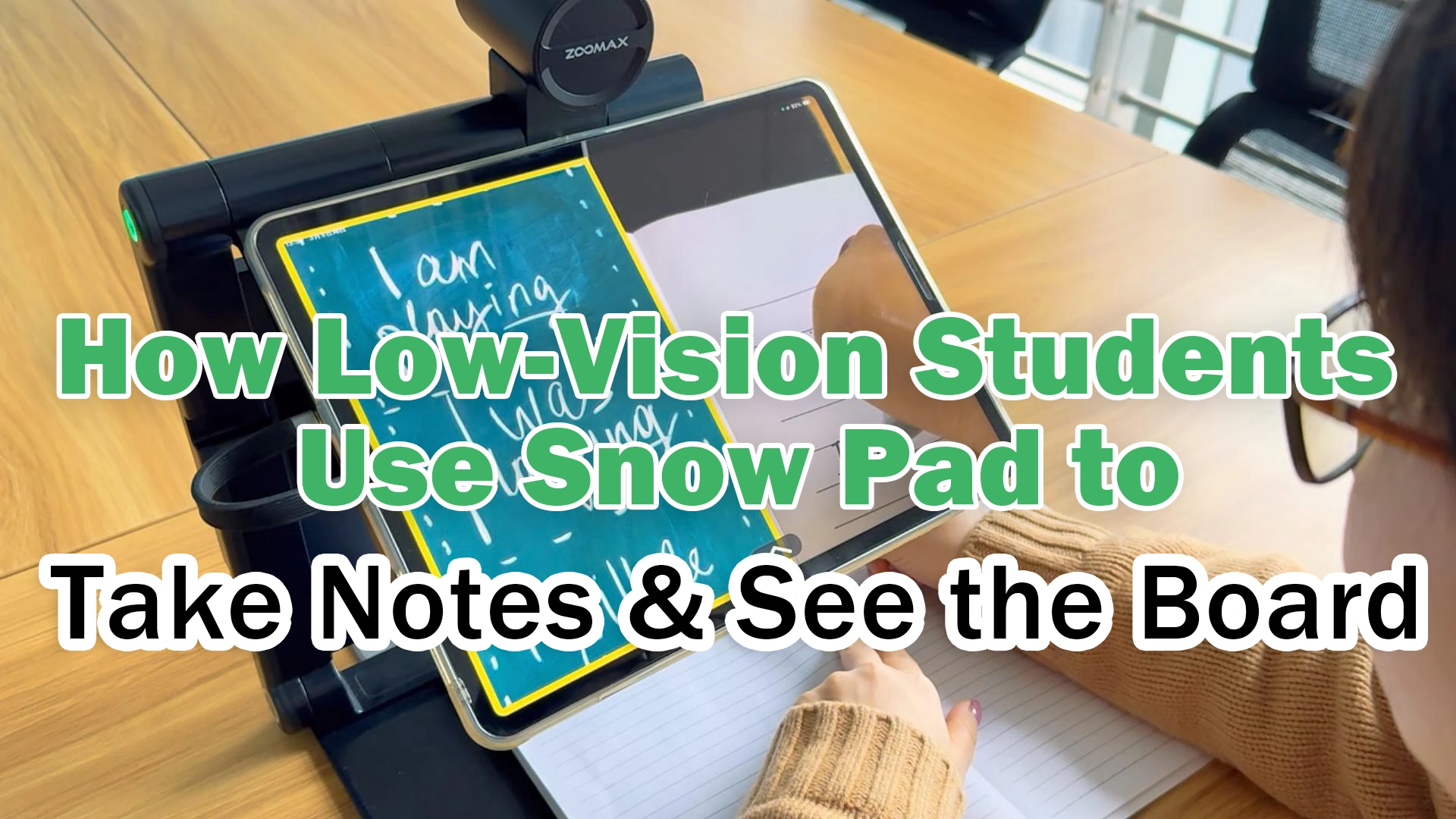
Tailored for low vision classrooms, Snow Pad comes as a low vision magnifier with split-screen feature lets students use near-view for reading/notes and far-view for boards/PowerPoint simultaneously. For long texts, a single tap activates OCR/text-to-speech with instant reading, speeding up reading tasks to boost the visually impaired students’ efficiency and classroom confidence.

Intuitive Customizable Interface
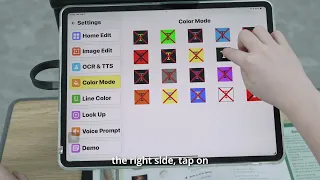
Priding itself on user-friendly compact design, the Snow Pad offers vibrant, customizable icon themes to suit personal preferences. Navigate core functions like magnification and sharing in seconds—no complex tutorials needed, perfect for vision loss users of all ages.
Sleek Design & High-End Optics
With a minimalist, stylish look, this high-quality vision aid features a high-definition auto-focus lens and enhanced contrast modes. It blends modern aesthetics with powerful visual support, ensuring clear, eye-friendly viewing for low vision users in any scenario.
Online & Offline Versatility
Enjoy full Snow Pad functionality without Wi-Fi, ideal for on-the-go use in classrooms or remote areas. Connect to the internet anytime to get fast, latest software updates, keeping your assistive tool optimized with the freshest visual tech features.
How Snow Pad Supports
Every Education Stakeholder
An All-in-One Tablet-Based Low-Vision Solution Custom-Designed
for the Visually Impaired Education Market
What Eye Condition Is Snow Pad Suitable For?
- Macular Degeneration
- Diabetic Retinopathy
- Peripheral Vision
- Cataracts
- Retinal Detachment
- More…
- Glaucoma
- Retinitis Pigmentosa
We Are Loved by Our Users!

Doctor Lee
April 2024, USA

I was happy to have the opportunity to test the Snow Pad some time ago. Firstly, I love the compact design and high-quality camera. My patients tired it out and expressed their satisfaction for the easy-to-use features. I believe many low-vision people who have iPad will deeply love Snow Pad!

Teacher
March 2024, USA
Snow Pad was the most impressive product I found at CSUN 2024 conference. The distance-viewing is so important for the students with visual impairments. The compatibility with iPad is an amazing idea that helps take great advantage of the students’ personal tablet. I had recommended Snow Pad to my students and other teachers.
Watch Snow Pad Videos
Snow Pad Playlist
1:00
1:37
1:05
18:14
0:07
1:03

0:41

0:46

0:18
0:41
1:17

0:23
1:55
1:21

0:39
0:36

0:14
0:02
Snow Pad FAQs
1. What is the specification of Snow Pad?
| Magnification | 1X – 32X |
| Display Modes | Full color and 10 high contrast color modes |
| Build-in Distance Camera | Auto Focus, Optical Zoom 7X, 1920×1080, Full HD |
| Frame Rate | 60FPS |
| Folded Dimensions | L*W*H / 309*312*55mm |
| Stand Height | 278mm |
| Weight | Approx. 2.4 kg (5.29 lbs) without tablet |
| Battery | Approx. 5h |
| Charging Time | Approx. 4.5h |
| Power Adapter | Input 100-240V; Output 5V/2.5A |
| OCR/Text-to-speech | 20+ Languages |
| Compatible W/Tablets |
iPad: iOS 16 or higher Android tablet (Android 8.0 or higher): Xiaomi Pad 6, Xiaomi Pad 6 Pro; Xiaomi Pad 7, Xiaomi Pad 7 Pro; Xiaomi Pad 8, Xiaomi Pad 8 Pro; Galaxy Tab S9 FE, Galaxy Tab S10 FE |
| Viewing Modes | 4 Options: Split Screen; Distance-viewing; Near-viewing; Selfie |
2. How do I connect the Snow Pad to my tablet?
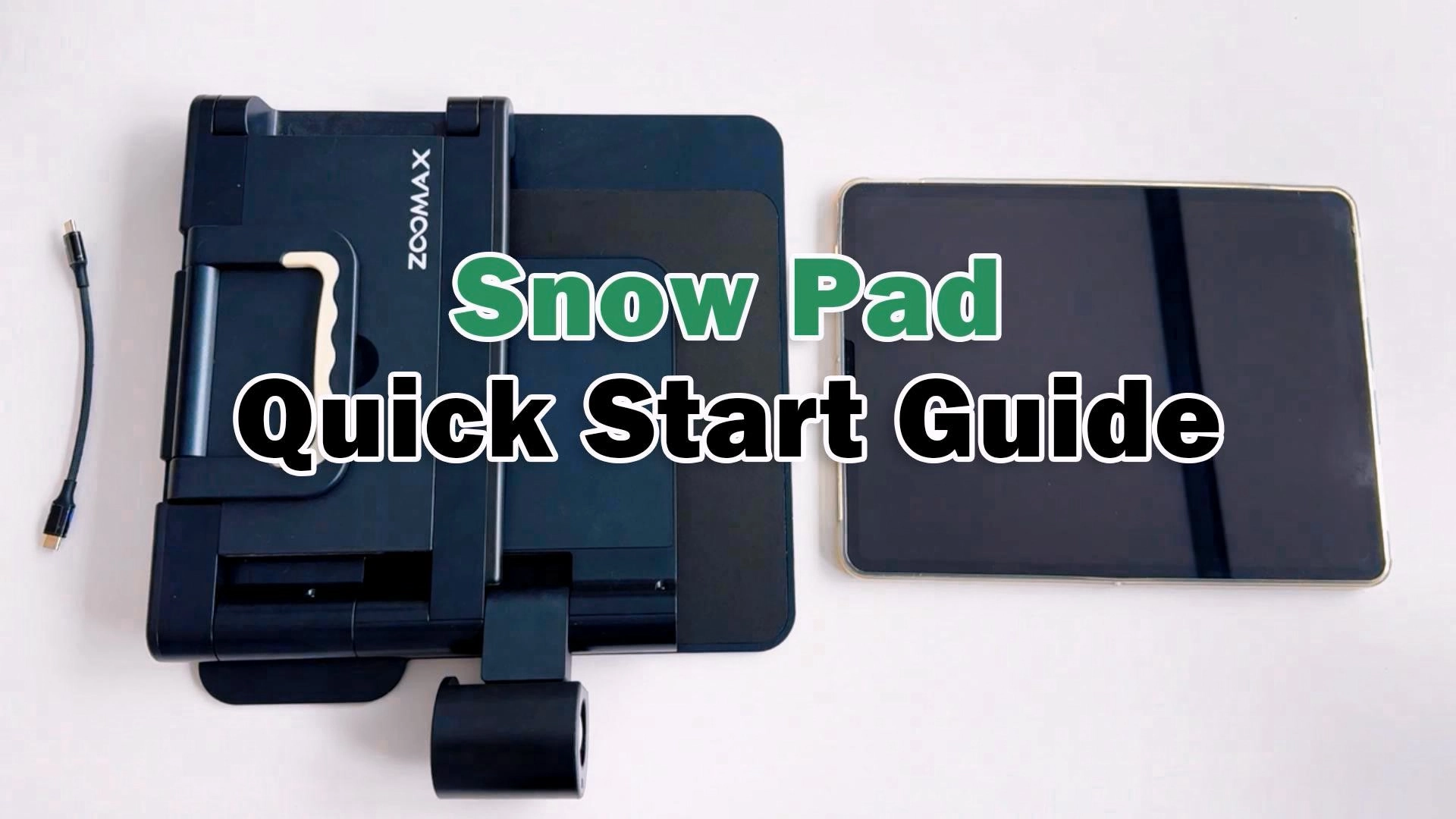
Use the supplied cable. Plug one end into the Snow Pad tablet tray’s side port, the other into your tablet’s port. Power on the Snow Pad, activate the pre-downloaded Snow Pad App, and start using it right away.
3. How can I download the Snow Pad App?
iOS users: Search “Snow Pad” in the Apple Store and download the Snow Pad APP.
Android users: Scan the QR code on the Zoomax Snow Pad official page, then follow the guide to install.
4. Can seniors use the Snow Pad easily?
Yes. It has an intuitive interface with gesture controls matching regular tablets. Seniors familiar with basic tablet use will operate the Snow Pad effortlessly.
5. Does the Snow Pad have voice prompts?
Yes, it has voice prompt functionality. You can inactivate it in the setting if you do not need it.
6. Does the software update automatically?
No. Software won’t update automatically. A pop-up reminder appears when you enter into the App online—tap to update or skip to keep the current version.
7. Where can I buy Snow Pad?
Users in the United States can get the product by visiting our official US website: zoomaxusa.com. Or visit Zoomax distributors’ store for more information. Users from other regions can contact us to find out about dealers in your area.
8. I am a distributor/dealer. Can I sell the Snow Pad in my area?
We are looking for the cooperation with distributors and dealers worldwide. Please contact us for further discussion.
9. Where can I download the Snow Pad user guide?
Please click here to download the user guide.
Download Snow Pad App

Snow Pad iPadOS
(Latest Version Number:1.3.6)
Search “SNOW PAD” In Apple App Store Or Use Your IPad To Scan The QR Code Above And Download The Snow Pad App To Your IPad.
Connect Your IPad With Snow Pad Device And Start Your Wonderful Seeing Journey Now!

Snow Pad Android
(Latest Version Number:1.2.3)
You May Also Have Interest
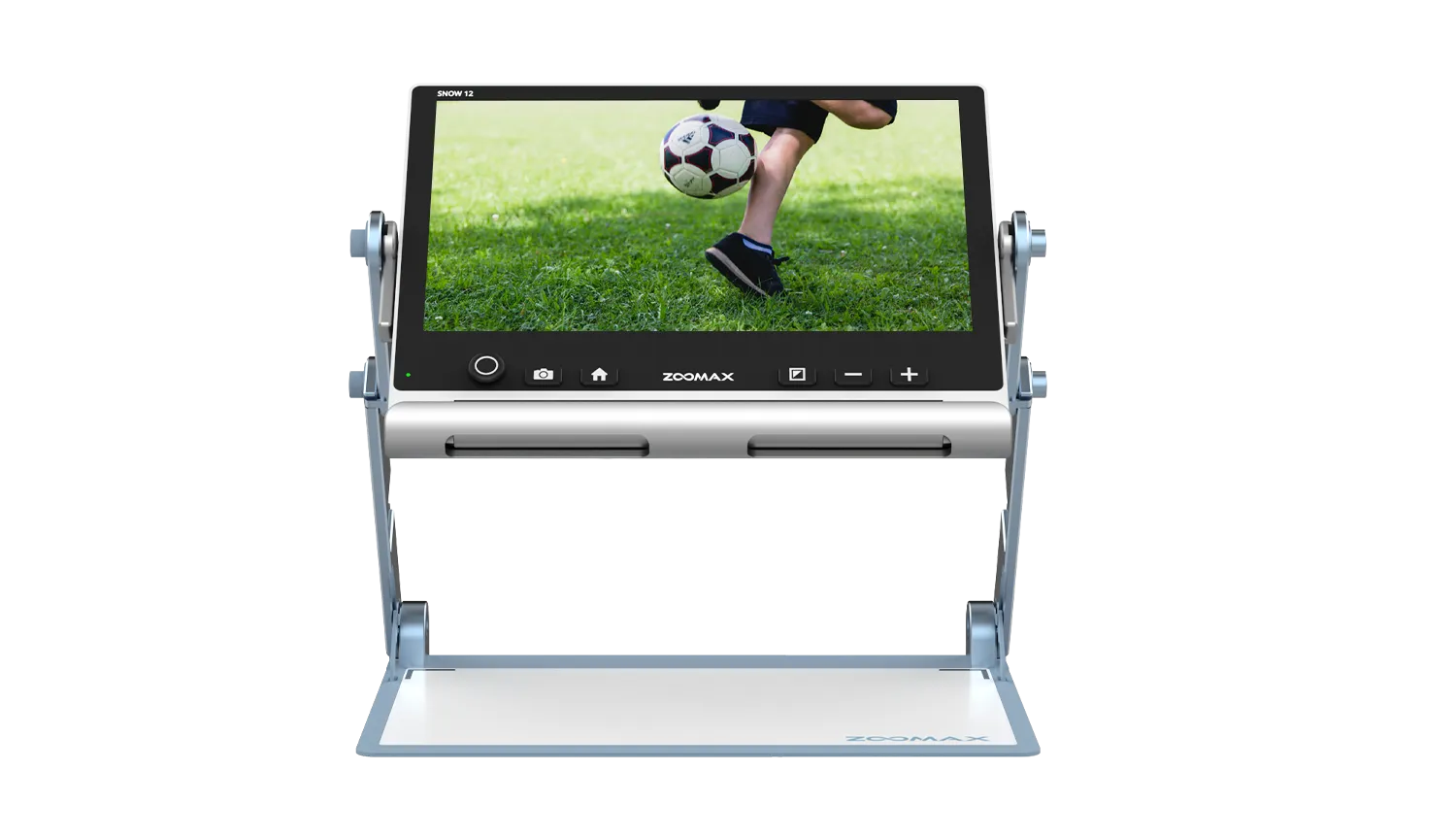
Snow 12
Portable Electronic
Video Magnifier
Luna HD 24 Pro
Desktop Electronic
Video Magnifier