Beyond Access: Why Efficiency Matters in Assistive Technology
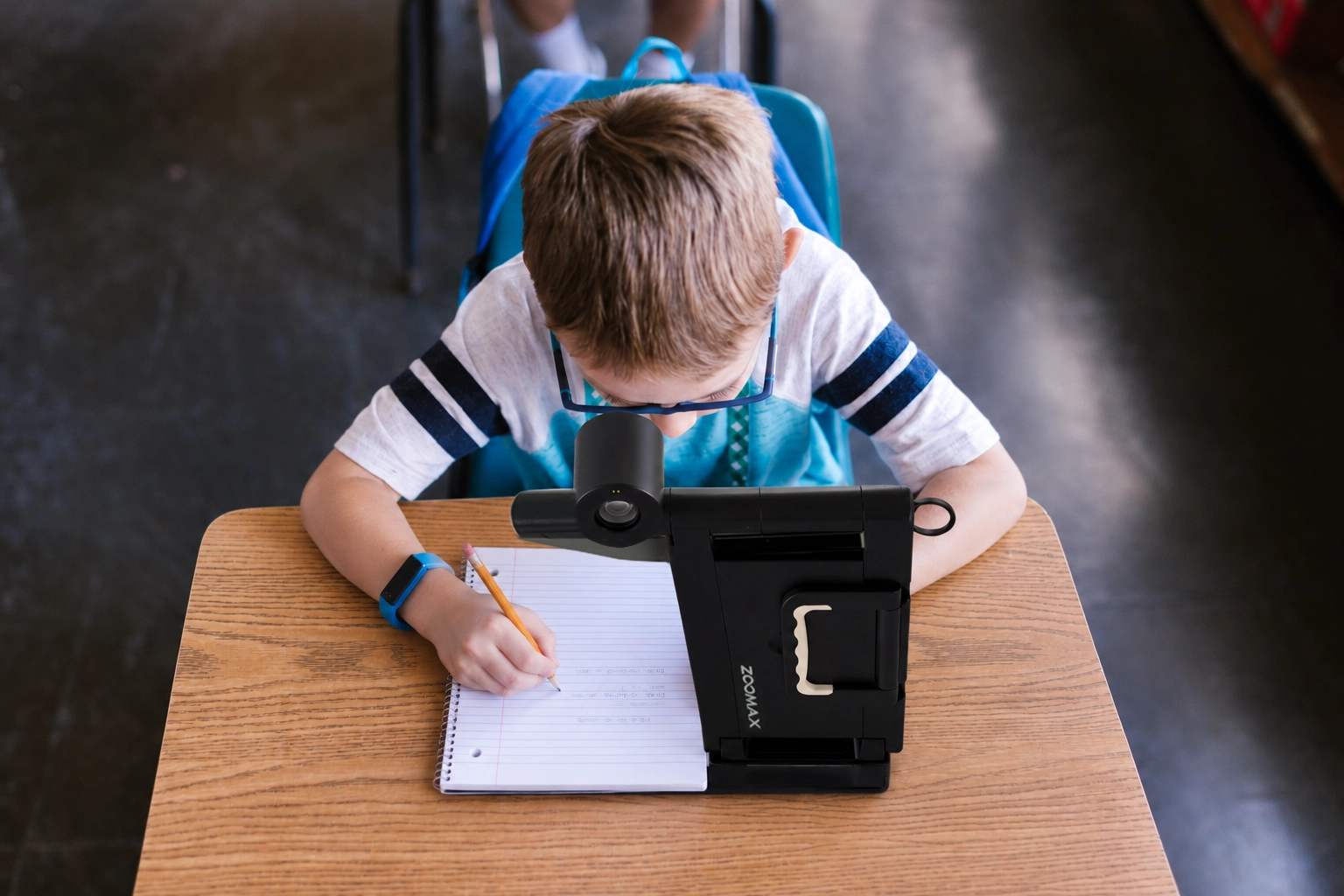
Assistive technology plays an essential role in helping students with visual impairments access classroom information. With the right tools, they can read textbooks, view presentations, complete assignments, and participate more fully in everyday lessons. However, access is only part of the picture. How easily students can read, process, and work with information also matters.
A 2026 study published in The Journal of Special Education, titled Perspectives of Students With Visual Impairments on Assistive Technology in the Classroom, explored the experiences of 10 students in grades 7–12 who used assistive technology in their classrooms. The findings went beyond information access: students also described improvements in the efficiency of reading and producing information. Five students said technology helped them complete tasks faster, nine found tasks easier, and seven felt they could do their work better than with other methods.
Although this small qualitative study does not represent every student’s experience, it highlights an important point: assistive technology should do more than make classroom content visible. It should also help students work with information more comfortably and efficiently, in ways that fit their individual needs and learning routines.
For the low vision industry, this raises a practical question: How can assistive technology be designed to reduce the extra steps involved in everyday learning?
To explore this question, it is worth looking at the challenges faced by visually impaired students when using existing devices, and how newer approaches to assistive technology in education can help address them.
When Access Still Requires Extra Steps
Having an assistive device for low vision does not automatically make every learning task straightforward. Students may be able to see enlarged text or access a classroom presentation, yet still need to adjust their equipment, switch between viewing modes, or find another way to work with the information.
These challenges vary from student to student, depending on their vision, preferred learning media, classroom environment, and the tasks they need to complete. However, several common situations show why device design and functionality matter.
Limited Screen Space Requires Constant Repositioning
Portable electronic magnifiers with small built-in screens are convenient to carry, but their limited viewing area can make it difficult to see a full sentence, paragraph, or worksheet at once.
When reading longer materials, students may need to move the device across the page or reposition the paper repeatedly to follow the text. This can interrupt reading flow and make it harder to keep track of information across a page.
A larger display can provide a wider viewing area, allowing students to see more content at once. The challenge is finding a balance between screen size and portability, so the device remains practical to carry between classrooms, libraries, and home.
Switching Between Near and Distance Viewing Interrupts Classroom Participation
Classroom learning involves more than reading books and worksheets. Students also need to follow teachers, view whiteboards and projected slides, and refer to their own materials.
If an assistive device only supports one viewing distance, students may need to switch equipment or change camera positions to see what is happening around them. In some situations, they may take a picture of the board and enlarge it, which can make it harder to follow information as the lesson continues.
A more flexible setup should support both near and distance viewing. Ideally, students should be able to access information from different distances without repeatedly interrupting their work.
Reading and Recording Information Can Involve Repeated Manual Work
Magnification helps students see written content, but it does not necessarily make that information easier to use in other ways.
For example, a student may need to copy a passage into a digital assignment, quote information from a textbook, or share notes with a teacher. Without text recognition or other digital tools, these tasks may involve manually typing or recording information that is already available.
Features such as Optical Character Recognition (OCR), text-to-speech (TTS), and text sharing can provide additional ways to access and work with written content, reducing unnecessary repetition.
Different Learning Materials Require Different Ways of Access
Students encounter many types of learning materials throughout the school day, including printed textbooks, worksheets, PDFs, online resources, presentations, and educational applications.
A single viewing method may not work equally well for all of them. Some materials are best accessed through magnification, while others may be easier to read digitally or listen to through speech output.
For low vision learning, flexibility is essential. Students benefit from assistive technology devices for students with visual impairments that offer different ways to access information and can adapt to a range of classroom tasks.
Why Tablet-Based Video Magnifiers Are a Better Fit for Modern Learning
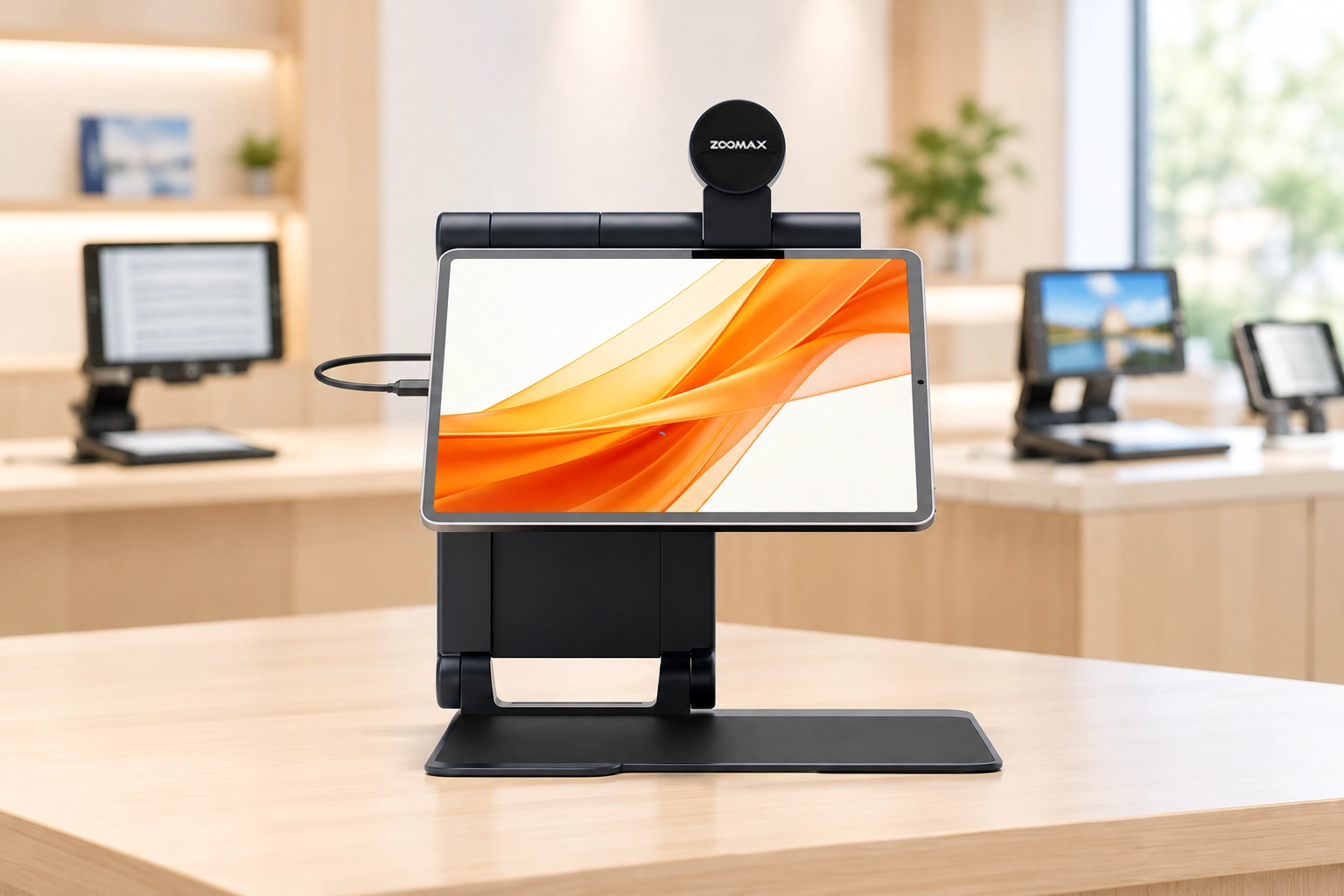
These everyday challenges point to a broader set of requirements: a larger viewing area, practical portability, flexible visual settings, and better ways to work with both printed and digital materials.
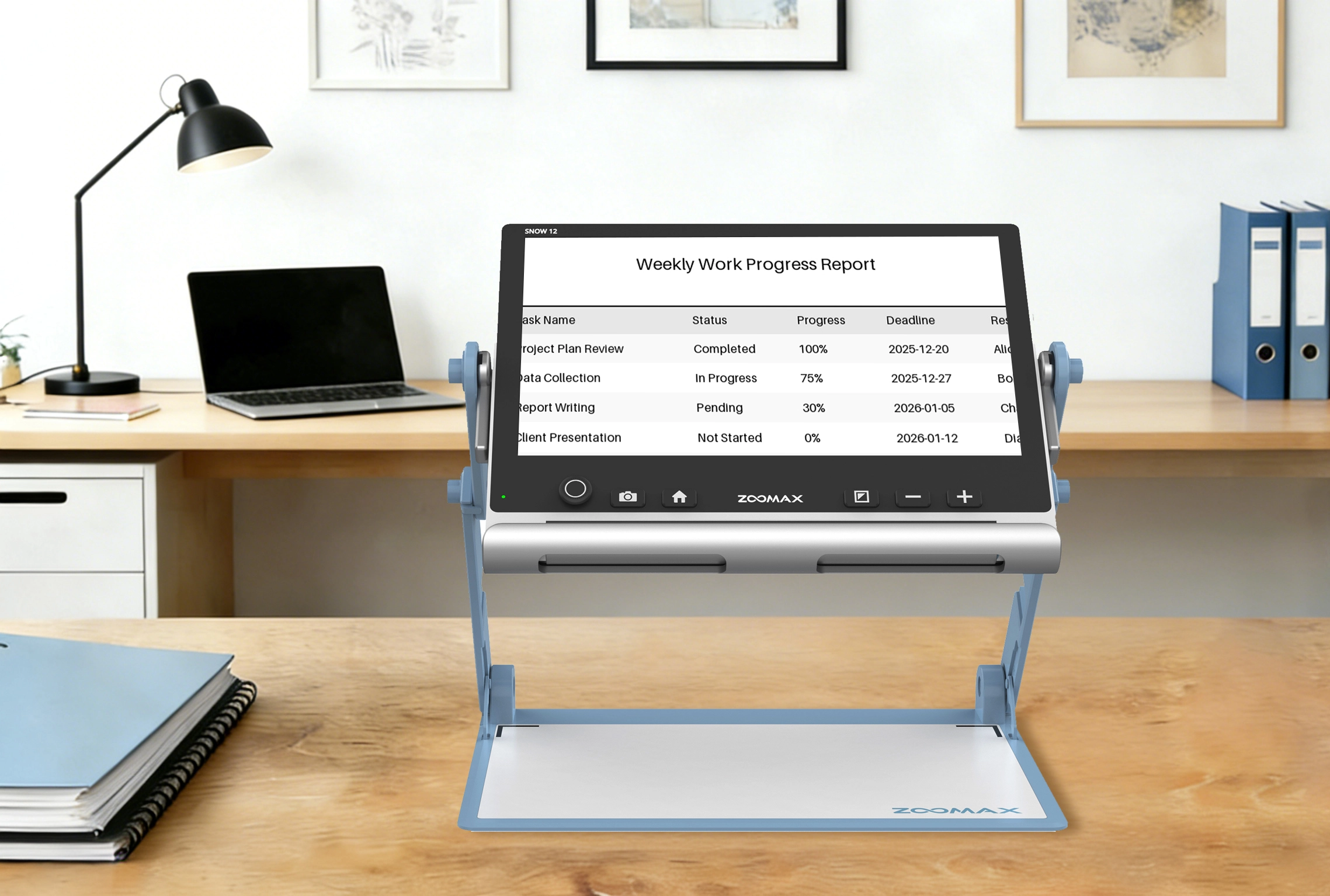
Traditional portable electronic magnifiers remain useful for many tasks, particularly when compact size and straightforward operation are priorities. However, tablet-based video magnifiers offer another approach. By combining a larger tablet display with dedicated magnification hardware and the features of a modern tablet, they can support a wider range of learning activities.
A Larger, More Flexible Display Without Sacrificing Portability
Compared with handheld magnifiers that have small built-in screens, tablet-based systems can offer a larger viewing area. Students can see more of a textbook page, worksheet, or other learning material without moving the device as frequently.
Unlike conventional portable electronic magnifiers with fixed built-in screens, tablet-based systems offer greater flexibility in display size. Students and families can consider different compatible tablet sizes according to visual needs, preferred working distance, and portability requirements.
A foldable design can further help the equipment move between learning environments. Rather than choosing between a larger display and a device that can be carried to different classes, students can look for a setup that balances both.
More Advanced Features and a Familiar Touchscreen Experience
Modern tablet-based systems can combine dedicated magnification functions with touchscreen interaction and a wider range of software features.
For students who already use tablets or smartphones, touch gestures may feel more familiar than navigating a device entirely through physical buttons. They can also make it more convenient to adjust settings while working with different materials.
A key advantage of tablet-based systems is the way dedicated hardware and software can work together. Rather than relying on fixed-function hardware alone, these systems can combine specialized camera technology with software designed to enhance the visual experience and support different learning tasks.
This approach also benefits from the flexibility of mainstream tablet platforms:
- Integrated Hardware and Software: Dedicated cameras and magnification software work together to provide visual assistance, with software features complementing the device’s optical capabilities.
- Expandable Software Capabilities: Software development can introduce new functions and improve existing ones, allowing the system to evolve beyond its original hardware capabilities.
- Open Platform Flexibility: Built on familiar tablet operating systems, these solutions can make use of compatible applications and built-in accessibility tools, creating more opportunities to adapt the device to individual learning needs.
Together, these features make tablet-based video magnifiers a flexible option for supporting different learning needs and activities.
A More Connected Learning Experience Through Tablet Apps
A tablet-based magnifier can also work alongside the applications and accessibility features available on its operating system.
Students may use tablets to access digital textbooks, PDFs, online course materials, and educational applications. Built-in accessibility options, such as screen magnification, display adjustments, and spoken content, can provide additional ways to interact with digital information.
This creates opportunities to combine dedicated visual assistance with other learning tools. Instead of relying on a single-purpose device for every task, students can use compatible applications that suit their individual routines.
For educators exploring assistive technology in education, this broader approach is worth considering: the device should not only support visual access, but also fit naturally into the digital learning environment students already use.
Snow Pad: Bringing Flexible Visual Assistance and Learning Tools Together
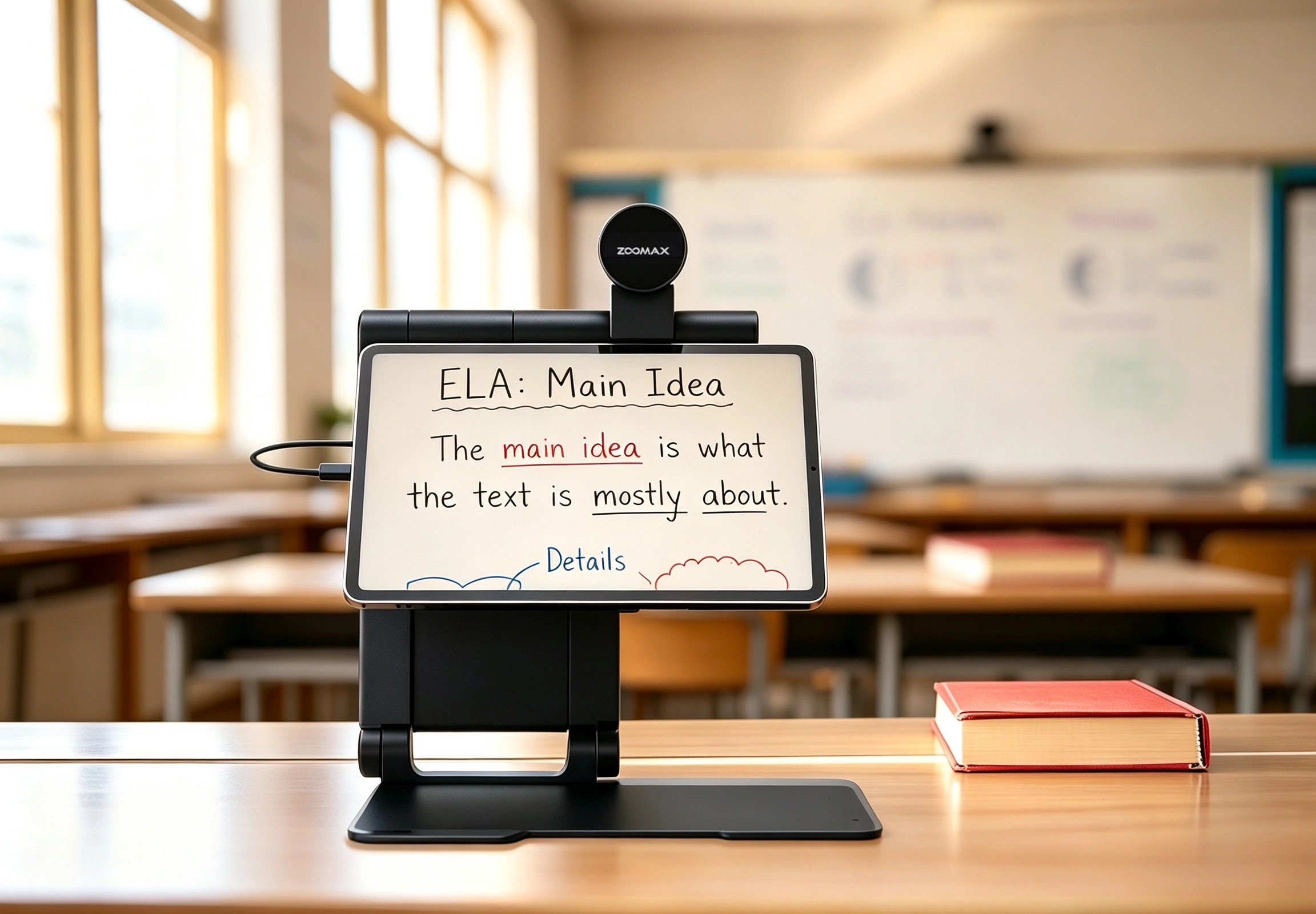
Tablet-based video magnifiers offer several advantages for modern learning, from larger viewing areas and touchscreen interaction to more flexible access to digital resources. Zoomax Snow Pad takes this approach further by combining tablet-based magnification with features designed for everyday classroom use.
As a Zoomax tablet solution, Snow Pad is designed to support students who need more than basic magnification during classroom activities.
Choose a Screen That Fits Individual Visual Needs
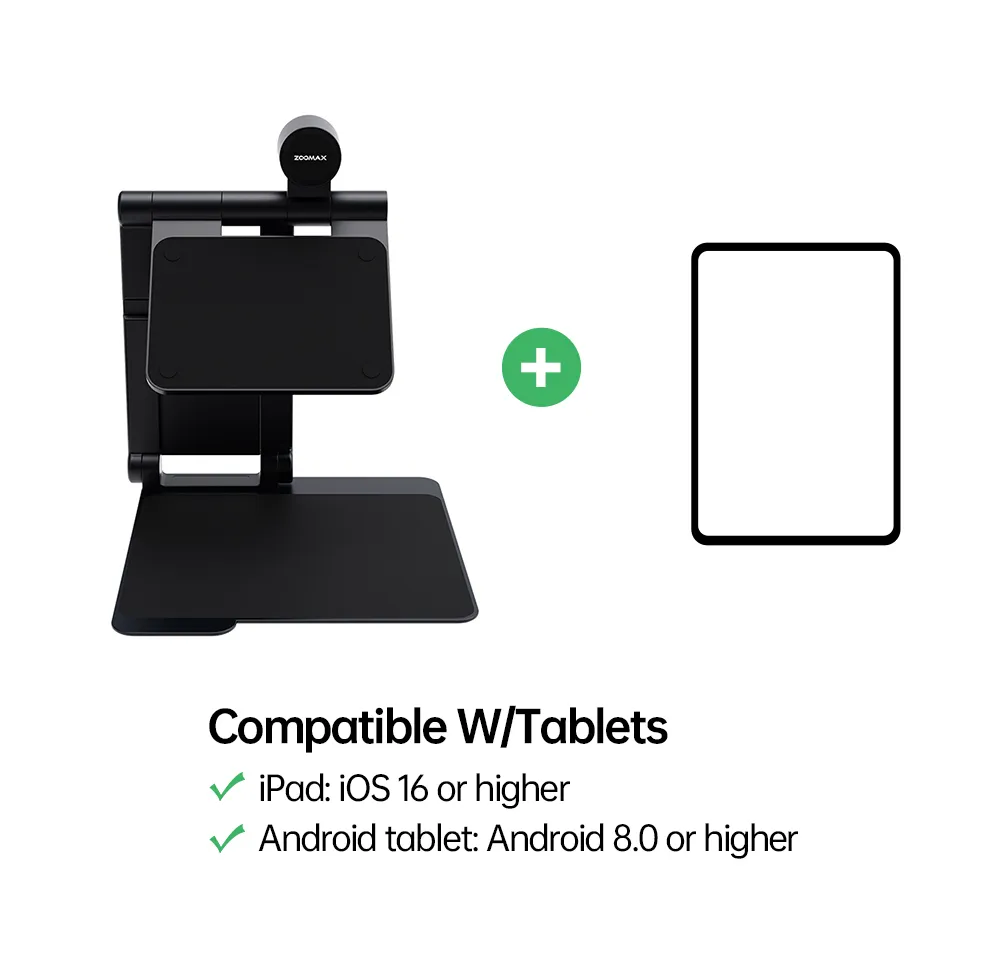
Snow Pad uses a Bring Your Own Device (BYOD) design. Students can connect a compatible iPad or selected Samsung and Xiaomi Android tablets to use as the display.
This gives users more flexibility when choosing a screen. Rather than being limited to one built-in display size, they can select a compatible tablet according to their visual preferences, viewing comfort, and portability needs.
The foldable design also makes the system suitable for moving between different learning environments, whether students are attending lessons, studying in the library, or completing work at home.
View Near and Distance Content Side by Side
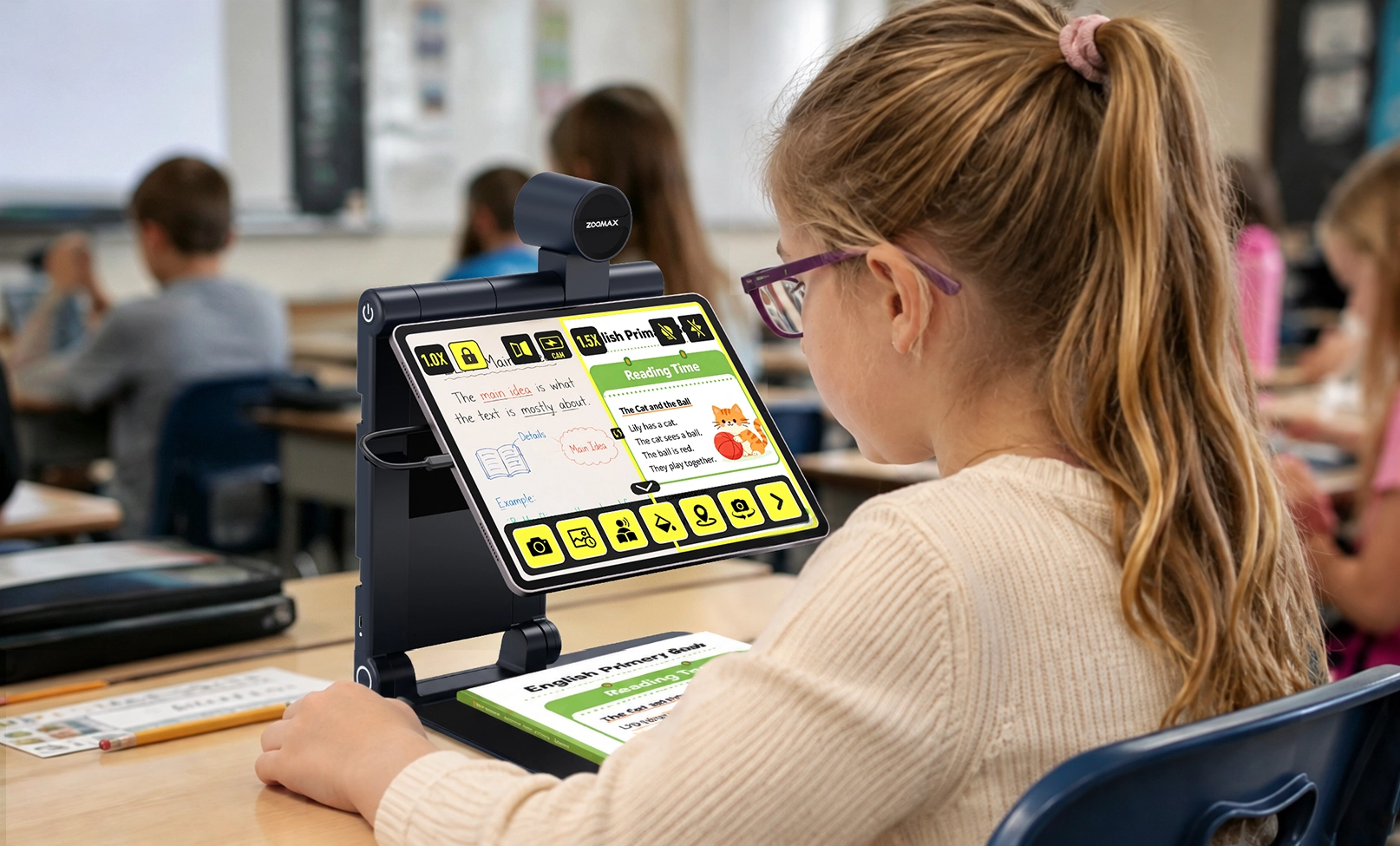
One of Snow Pad’s key classroom features is its split-screen viewing capability.
The tablet’s near-view camera and Snow Pad’s built-in distance camera allow students to view close-up materials and distant classroom content on the same screen. For example, they can follow a presentation on the classroom board while keeping a textbook or worksheet in view on their desk.
Its built-in distance-viewing camera features 7× optical zoom and autofocus, allowing students to magnify distant classroom content from their seats while reducing the need for frequent manual zoom and focus adjustments. The Full HD resolution and 60 fps frame rate also provide clear, smooth images, making it easier to follow presentations and other changing visual information during lessons.
Make Learning Materials More Accessible with OCR and TTS
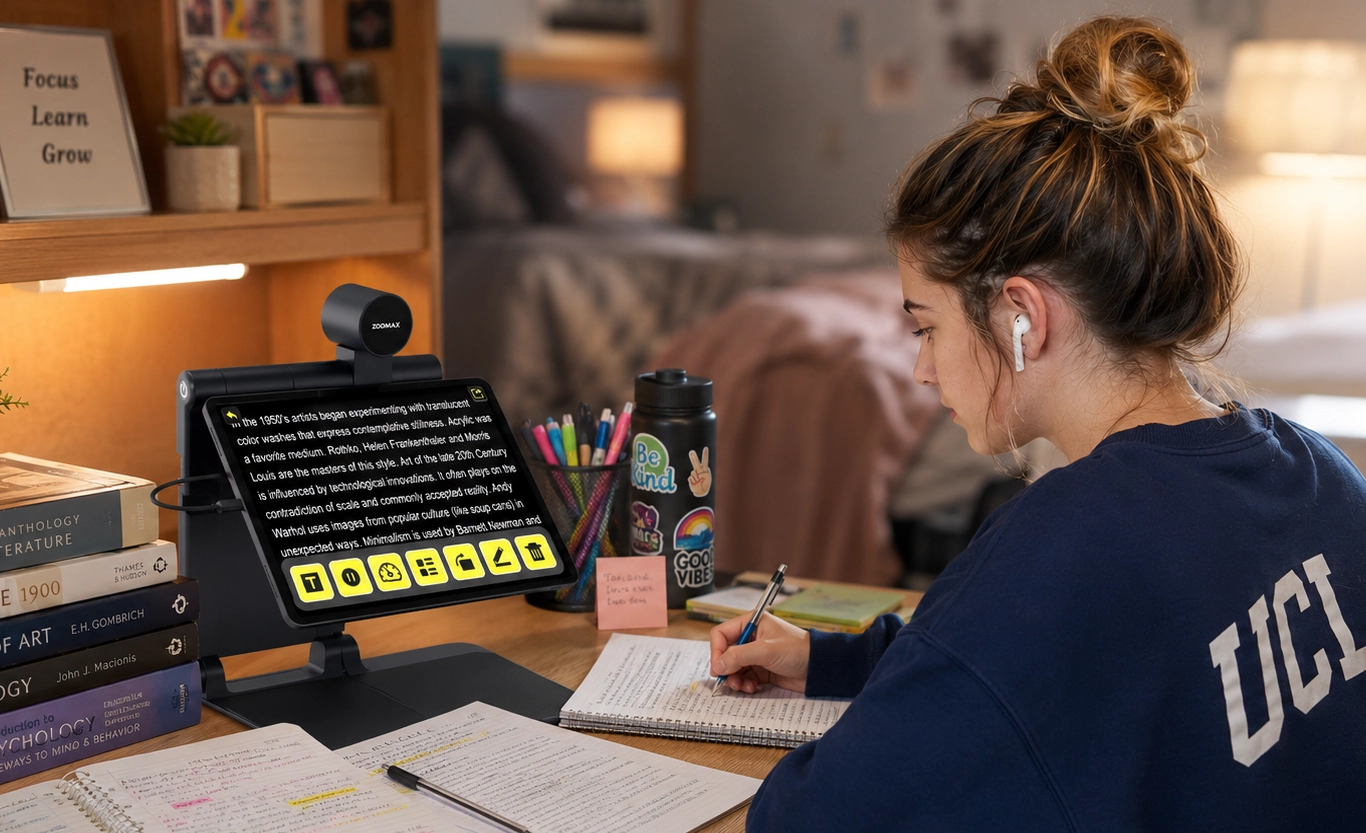
Snow Pad includes OCR and TTS functions to give students more flexible ways to access learning materials.
Whether working with printed textbooks, worksheets, or other materials captured through the camera, students can activate OCR with a single tap. Snow Pad recognizes text in approximately one second with high accuracy, quickly converting printed content into digital text that students can copy, share, or listen to through text-to-speech. This helps reduce the time spent manually entering information and makes it easier to move between reading, reviewing, and completing learning tasks.
These functions can be particularly helpful when working with longer reading materials, reviewing classroom information, or transferring content into another application. Rather than relying entirely on manual input, students have more options for accessing and working with information in a format that suits the task.
Combine Visual Assistance with Other Tablet Apps
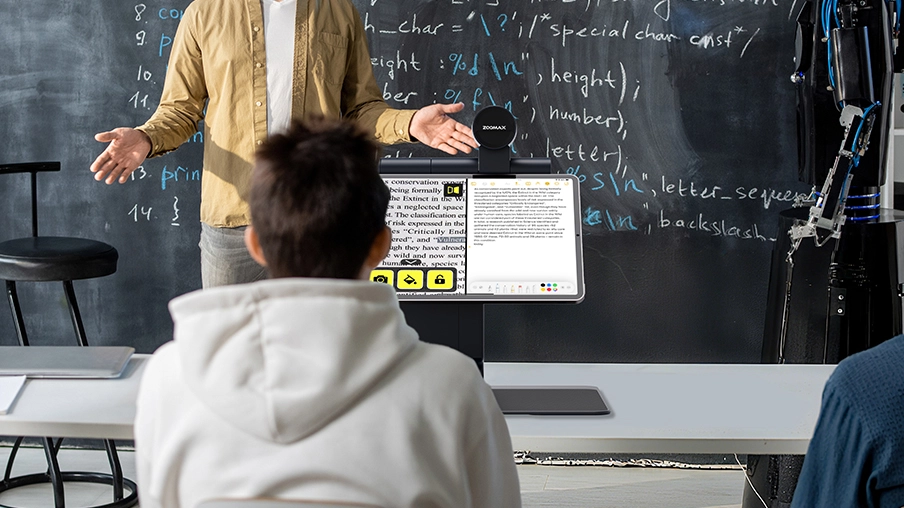
Snow Pad is not limited to displaying its own camera views. Its app can also work in split-screen with other compatible tablet applications.
For example, a student may keep the Snow Pad camera view open while using another application to read an electronic textbook, review class notes, or access digital learning materials. Depending on the tablet and application, students can also combine near- or distance-view content with other resources on the same screen.
This flexibility helps Snow Pad fit into a broader digital learning routine. Students can use dedicated magnification and camera functions while continuing to work with familiar tablet tools, rather than treating visual assistance and digital learning as separate activities.
From Access to Efficiency: The Role of Assistive Technology Manufacturers
The experiences described in the 2026 student study remind us that access is only one part of the assistive technology experience. The way a device supports reading, information processing, and classroom participation also matters.
For manufacturers, the challenge is to develop solutions that bring these capabilities together in practical ways. Rather than focusing on individual specifications alone, product development should consider how different features work together to support the tasks students perform throughout the school day.
At Zoomax, we are continuing to build on this approach. Following the current Snow Pad platform, we are preparing to introduce the Snow Pad Pro, bringing further hardware enhancements and expanded capabilities to the tablet-based visual assistance experience.
Designed to support a wider range of learning and everyday activities, Snow Pad Pro will introduce features such as improved illumination for near-view activities and expanded external display connectivity, along with other hardware and software enhancements to make visual assistance more flexible and convenient. These developments aim to better support students as they work with different learning materials and adapt to changing classroom environments.
By continuing to bring together high-quality hardware and thoughtfully designed features, Zoomax aims to make assistive technology more adaptable to students’ changing needs and learning environments.